Comparing Foresight Sports Launch Monitors
Updated:
Foresight makes launch monitors for some pretty different jobs. Some sit on the floor and go wherever you go. Some hang from the ceiling and never leave the room. And now there's GC2, a portable unit that tracks the ball and nothing else.
So here's the breakdown. What each one is good at, where they split, and what to look for on the software side, since Foresight is changing that too.
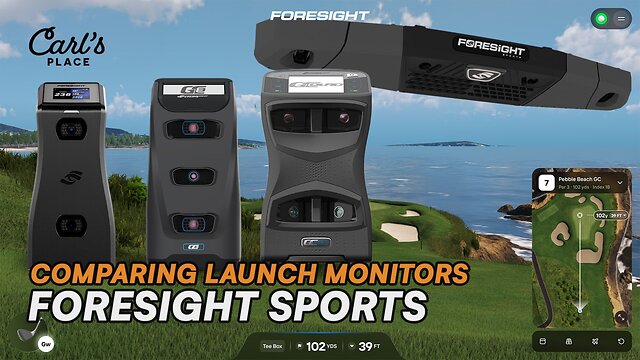
Heads up on software: Foresight is moving from its FSX software to a new platform called Foresight+. At Carl's Place, we're rolling out that switch over time, so for a while you'll see both. Some units ship licensed with FSX. Others come set up for Foresight+. For models sold with either platform, the hardware may be the same while the software package differs. The 2026 GC2 ships with a free Foresight+ trial that runs 30 days. Don't assume it includes a legacy FSX license.
Neither is a trap. You just want to know which one you're getting, and the product page is where you'll find it. If it's not clear, ask us and we'll confirm before you order.
Same name, different launch monitor: The GC2 in this comparison is the one Foresight announced on October 1, 2026. Foresight sold a completely different GC2 back in 2010. Older reviews, manuals, compatibility lists, and anything that mentions the HMT accessory are probably talking about the original. Check which one a source covers before you lean on it.
Which Foresight Launch Monitor Should You Buy?
It depends on where you want to put it, what your budget is, and how much you care about club data.
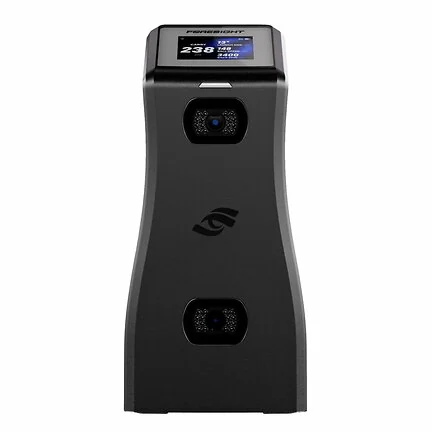
GC2 (2026)
Best for: Golfers who want portable Foresight ball data and don't care about club tracking.
Two cameras. Indoor or outdoor. Ball data only, so if you want club numbers, look at GC3 and up.
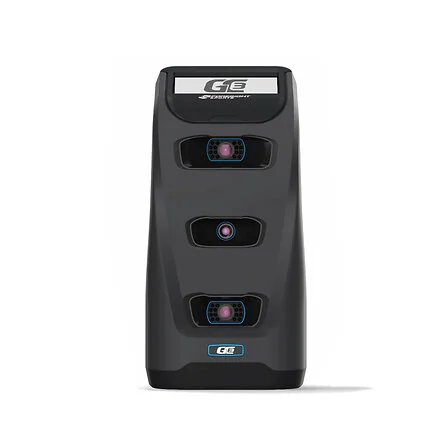
GC3
Best for: Golfers who want Foresight accuracy in a small, portable floor unit.
GC2 plus club data. Home sim on Tuesday, range on Saturday.
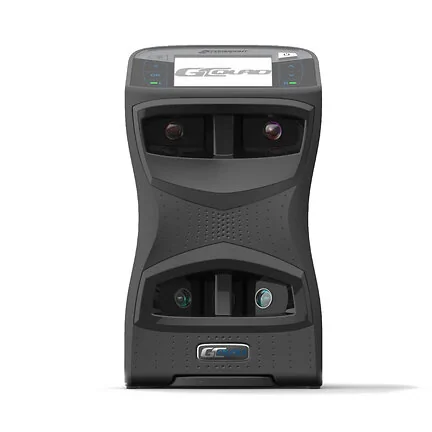
GCQuad
Best for: Golfers, fitters, and coaches who want more club data and a bigger hitting zone than GC3.
Portable, proven, and still one of the big names whenever launch monitor data comes up.
QuadMAX
Best for: Golfers who want GCQuad level data with more convenience built in.
Touch screen. Speed training. Screen customization. A few extra ball numbers, too.
Falcon
Best for: Dedicated sim rooms and commercial bays.
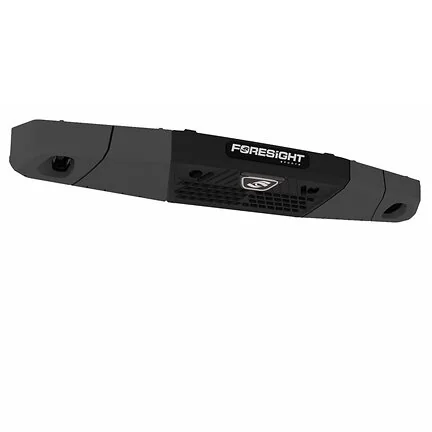
Mounts overhead, stays out of everyone's way, and has a huge hitting zone.
Seeing a GC3S? That's the subscription version of the GC3, and Foresight is phasing it out. Same hardware as the GC3, different pricing model. If you find one, get clear on exactly what the subscription covers before you buy.
Foresight Software: FSX, Foresight+, and Foresight Premier
For years, Foresight launch monitors ran on FSX software, licensed to the device. That's changing.
The new platform is Foresight+. It's the umbrella over practice, play, and competition, spread across a PC app called Foresight Premier and the Foresight Mobile App.
Foresight Premier is the big piece. Foresight says it replaces both FSX Play (the simulation side) and FSX Pro (the performance analysis side) and rolls them into one application. Their list of improvements covers graphics, simulation performance, and ball flight physics, plus full round play, multiple tee selections, stroke by stroke scoring, better green contour visuals, pin placement with distance and elevation info, and several putting modes.
The 2026 GC2 comes with a free Foresight+ trial that runs 30 days. Good for kicking the tires. Not a lifetime pass. Foresight+ has Free, Silver, and Gold tiers, and playing courses in Premier takes a paid membership plus the right course access. Check the current Foresight+ plans to see what sticks around after the trial. And no, a membership won't add club tracking to GC2. Ball data only means ball data only.
Licensing works differently too. Instead of a license tied to one device, a Foresight+ membership follows your golfer account. Foresight says your data, preferences, and history come with you across compatible Foresight devices, and nobody has to wrestle with license keys. We won't miss them.
Buying during the changeover: Two identical launch monitors on different sites may come with different software depending on when they were packaged. One might have an FSX license. Another might be set up for Foresight+. Both work. They're just different, and you should know which one you're paying for.
If you end up with an FSX unit, you haven't bought a dead end. Foresight says existing customers keep ownership of their launch monitors and their perpetual FSX licenses, and can upgrade into Foresight+ features as they become available.
Our product page lists what comes with that specific unit. If software is the thing that makes or breaks the purchase, call or message us first. We'd much rather sort it out up front than have you decoding licensing terms on your own.
Foresight Launch Monitor Comparison Chart
This chart covers hardware only. Software isn't listed because it depends on the unit, the package, and where the Foresight+ rollout is when you buy.

| Feature | GC2 (2026) | GC3 | GCQuad | QuadMAX | Falcon |
|---|---|---|---|---|---|
| Sensors / Cameras | 2 Dual camera |
3 Triscopic |
4 Quadrascopic |
4 Quadrascopic |
4 Quadrascopic |
| Hitting Zone Area | 123 sq. in. | 91.5 sq. in. | 252 sq. in. | 252 sq. in. | 1,652 sq. in. |
| Mounting Location | Floor Next to ball |
Floor Next to ball |
Floor Next to ball |
Floor Next to ball |
Overhead 9.5 to 10.5' above hitting area 4' in front of hitting area |
| Golf Balls | Use any | Use any | Use any | Use any | Use any |
| Ball Data / Flight Outputs | Launch Angle Launch Direction Ball Speed Back Spin Side Spin Total Spin Spin Axis Carry Total Distance Offline Peak Height Descent Angle Hang Time Curve |
Launch Angle Side Angle Ball Speed Total Spin Carry Side Spin Spin Axis |
Launch Angle Side Angle Ball Speed Total Spin Carry Side Spin Spin Axis |
Launch Angle Side Angle Ball Speed Total Spin Carry Side Spin Spin Axis Ball Apex Ball Descent Angle Ball Offline |
Launch Angle Side Angle Ball Speed Back Spin Total Spin Side Spin Spin Axis |
| Club Data / Derived Outputs With club stickers |
Ball data only No club tracking |
Club Head Speed Smash Factor Club Path Angle of Attack |
Club Head Speed Smash Factor Club Path Angle of Attack Loft/Lie Face Angle Impact Location Closure Rate |
Club Head Speed Smash Factor Club Path Angle of Attack Loft/Lie Face Angle Impact Location Closure Rate |
Club Head Speed Club Path Angle of Attack Loft/Lie Face Angle Impact Location Closure Rate |
| Battery Life | 5 to 7 hours | 5 to 7 hours | 6 to 8 hours | 7 to 9 hours | Plugged in |
| Multisport Capability? | No | No | No | No | No |
| Dimensions H x W x D |
11.9" x 5.45" x 4.6" | 12" x 6" x 5" | 12.5" x 7" x 4" | 12.5" x 7" x 4" | 5.3" x 43.7" x 10.7" |
| Weight | 4.5 lbs | 5 lbs | 7.5 lbs | 6.3 lbs | 26 lbs |
| Launch Date | 2026 | 2021 | 2017 | 2024 | 2024 |
| Other Notes | Portable 2.8" color display Bluetooth, WiFi, Ethernet, USB C Indoor and outdoor use |
Portable Take it to the range or course |
Portable Take it to the range or course |
Screen customization Speed training Touch screen Portable Take it to the range or course |
Integrated power supply |
Hitting zone areas follow Foresight's model comparison. The cameras measure impact data directly, and flight numbers like carry and peak height are built from that impact data. Club features depend on the model and the package you buy.
GC2 vs GC3 vs GCQuad vs QuadMAX vs Falcon: Where They Split
Most people end up choosing based on a handful of things. Where the unit lives, how big a hitting zone they want, how much data they'll actually use, and whether it ever leaves the house.
Mounting Location
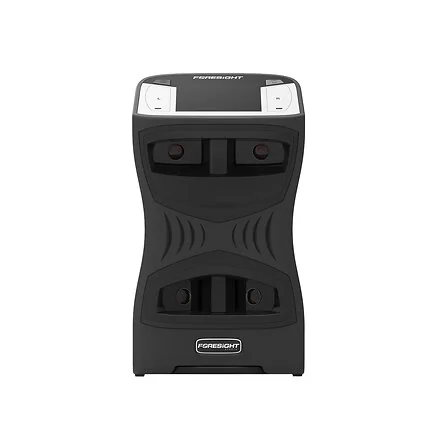
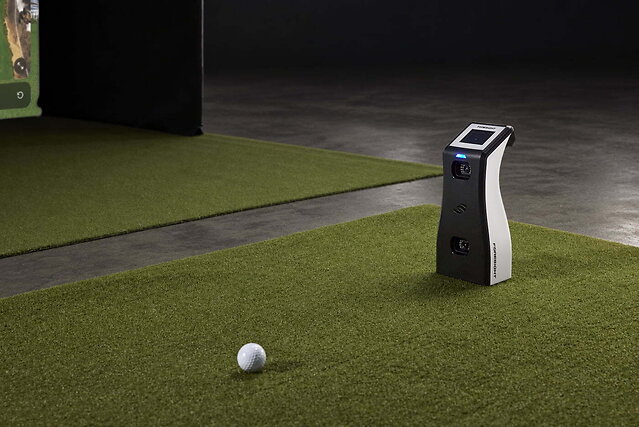
GC2, GC3, GCQuad, and QuadMAX sit on the floor next to the ball, so they move easily between your sim, the range, or wherever else you hit.
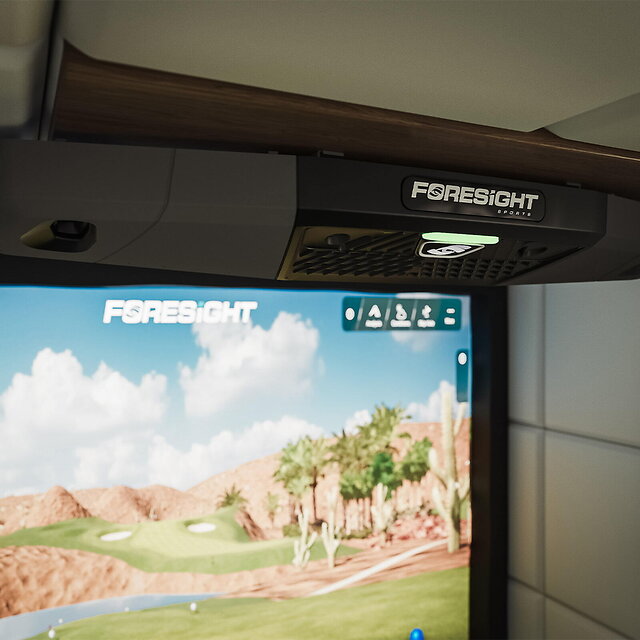
Falcon hangs from the ceiling. Nothing on the floor to kick, trip over, or babysit. In a dedicated golf room or a commercial bay with people coming and going all day, that's a bigger deal than it sounds.
Hitting Zone
Big gap here.
GC3 has the smallest zone of the bunch at 91.5 square inches. GC2 actually beats it at 123, according to Foresight, which is a little funny for the cheaper unit. GCQuad and QuadMAX jump to 252. Then there's Falcon at 1,652 square inches. Not a typo.
A bigger zone means less fussing over where the ball sits. Falcon's overhead spot also lets lefties and righties share the bay without anybody dragging a unit from one side of the ball to the other. The floor models have to move when you switch.
Ball and Club Data
All five handle ball launch data. GC2 stops there. GC3 adds club tracking, and GCQuad, QuadMAX, and Falcon dig deeper into the club, depending on what's in your package.
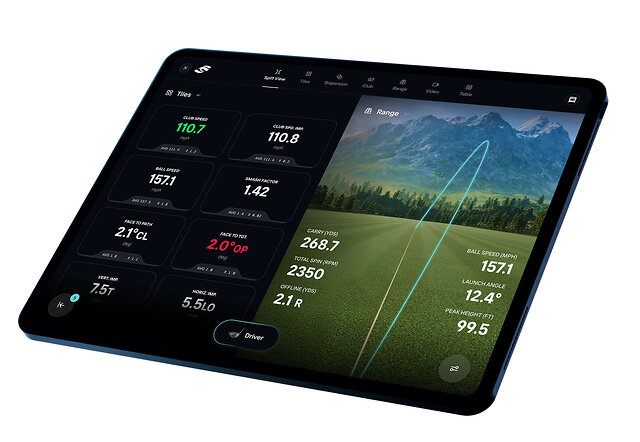
QuadMAX shows a few extra flight numbers right on the unit, like apex, descent angle, and offline. GC2 gets those too, through the software, so they're not a QuadMAX exclusive.
Plenty of golfers will never miss the extra numbers. But if you're fitting clubs, coaching, grinding through a swing change, or you just like knowing everything, GCQuad or QuadMAX earns its keep.
Portability
Want to take it to the range? GC2, GC3, GCQuad, and QuadMAX all travel.
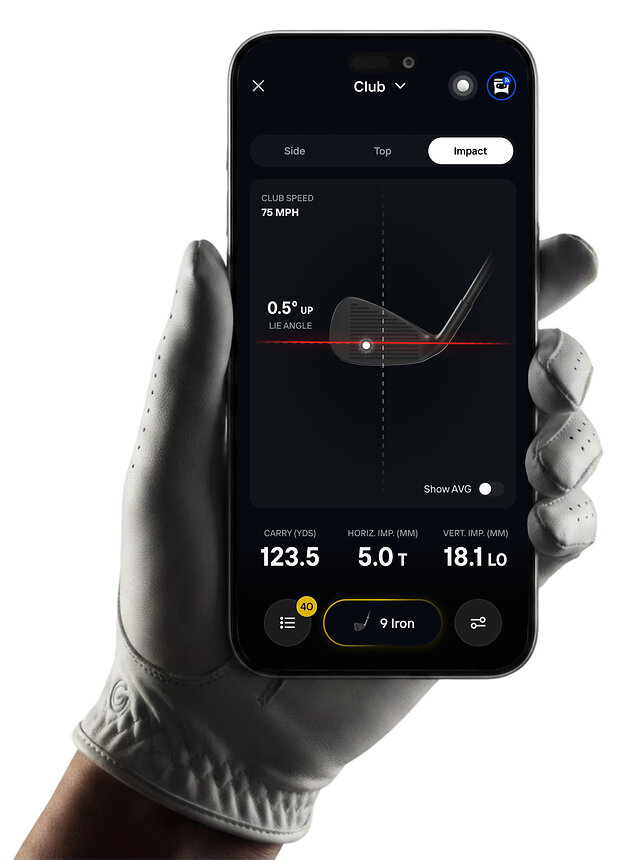
Falcon stays home. It weighs 26 pounds, mounts overhead, and runs plugged in. You're not tossing it in the trunk for a range session, which is kind of the point.
Who Each Foresight Launch Monitor Is Best For
GC2 (2026): Ball Data, Nothing Else
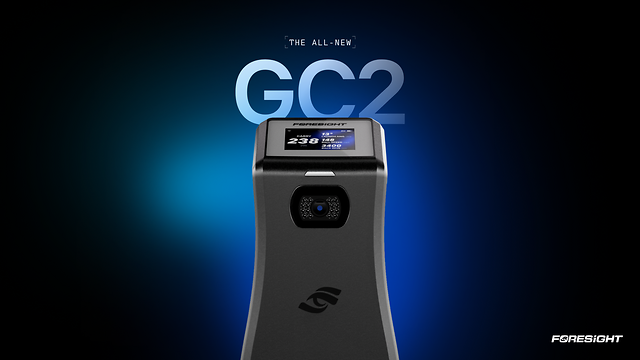
Foresight's camera tracking in a small box you can carry from the garage to the range. Two cameras read the ball at impact, and the software fills in the flight numbers.
What it won't do is track the club. No membership or upgrade changes that. Want club path and attack angle? Start at GC3. Want everything about the club? Look at GCQuad, QuadMAX, or Falcon.
Factor the software into the cost, too. The Foresight+ trial runs 30 days, and course play after that needs a paid membership.
GC3: Portable Ball and Club Data
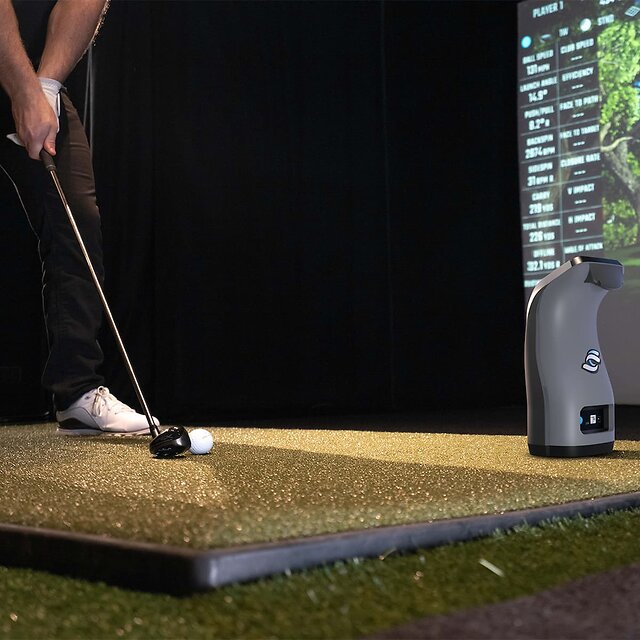
A step up from GC2 that adds club data, without jumping all the way to a Quad or an overhead unit. Good for home sims, range sessions, and anyone who wants to move their launch monitor around.
Most golfers use a handful of numbers on every swing. GC3 covers those.
GCQuad: More Club Data, Proven Performance
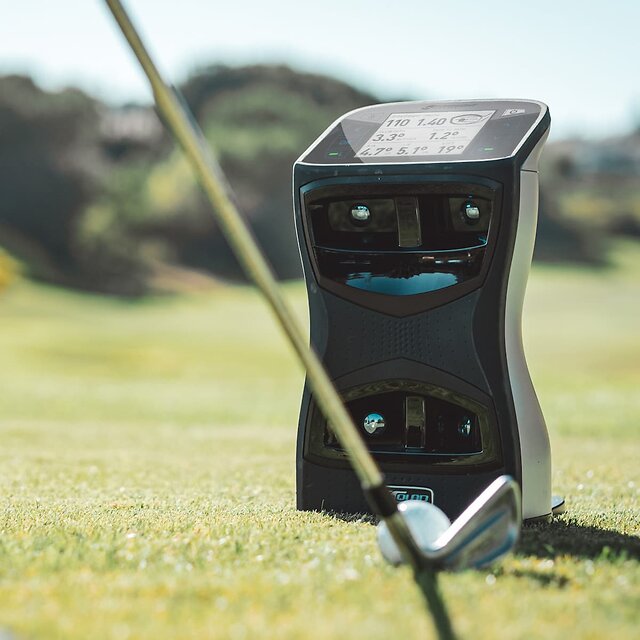
More club data, a bigger hitting zone than GC3, and a track record going back to 2017. Golfers, fitters, instructors, and facilities all use it.
Been around a while? Sure. Still a serious launch monitor with strong data and full portability.
QuadMAX: Quad Data With More Built In
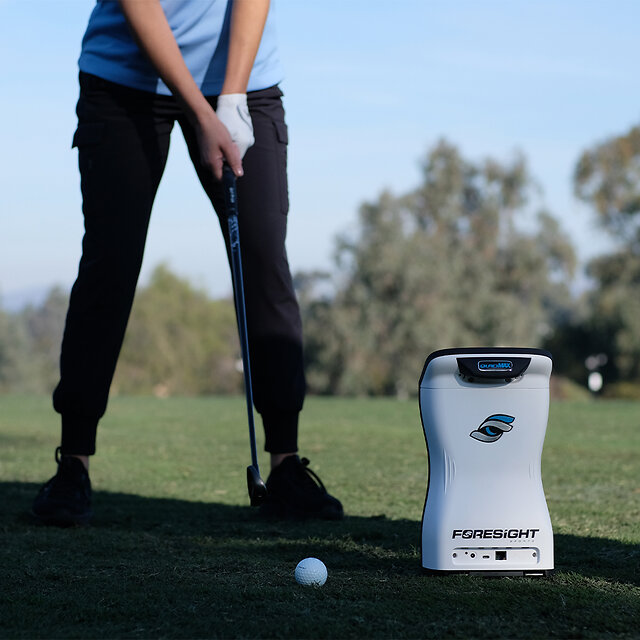
QuadMAX takes the Quad formula and adds a touch screen, screen customization, and speed training. It also puts Ball Apex, Ball Descent Angle, and Ball Offline right on the unit.
If you want the Quad experience with fewer trips to a laptop, start here.
Falcon: Dedicated Simulator Rooms and Commercial Bays
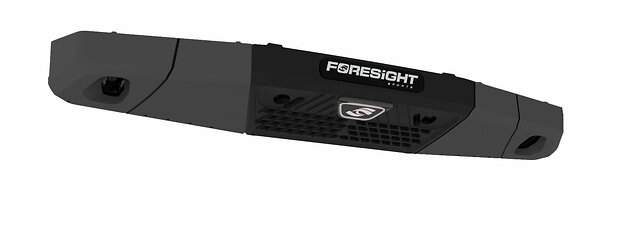
The overhead option. It belongs in dedicated sim rooms, studios, and commercial bays where you want the tech up and out of the way.
You get the ceiling mount and a massive hitting zone. You give up portability. Falcon is a room thing, and it's very good at being a room thing.
So, Which One?
Portable ball data without club tracking? GC2. Portable ball and club tracking? GC3. More club data and a bigger zone? GCQuad. Quad data with the extra conveniences? QuadMAX. Building a dedicated bay and want the ceiling to do the work? Falcon.
Then check the software. Foresight is still moving from FSX to Foresight+, so what comes with a unit depends on the exact one you're buying. If anything's unclear, ask us.
Carl's take: Buy for how you'll use it. The biggest spec sheet is fun to read and a lot less fun to pay for if you never touch half of it.
Moving it around? Portability matters. Building something permanent? Overhead might be the move. Coaching or fitting? Club data. Just want to play more golf in the winter without staring at spin axis numbers? You probably don't need the most expensive thing in the room.
Need Help Choosing?
The right one depends on your space, your budget, the software you want, and how you'll actually use it.
Stuck between a couple? We can help you sort out the launch monitor along with the software, enclosure, projector, screen, and hitting area so everything works together.
Related Posts
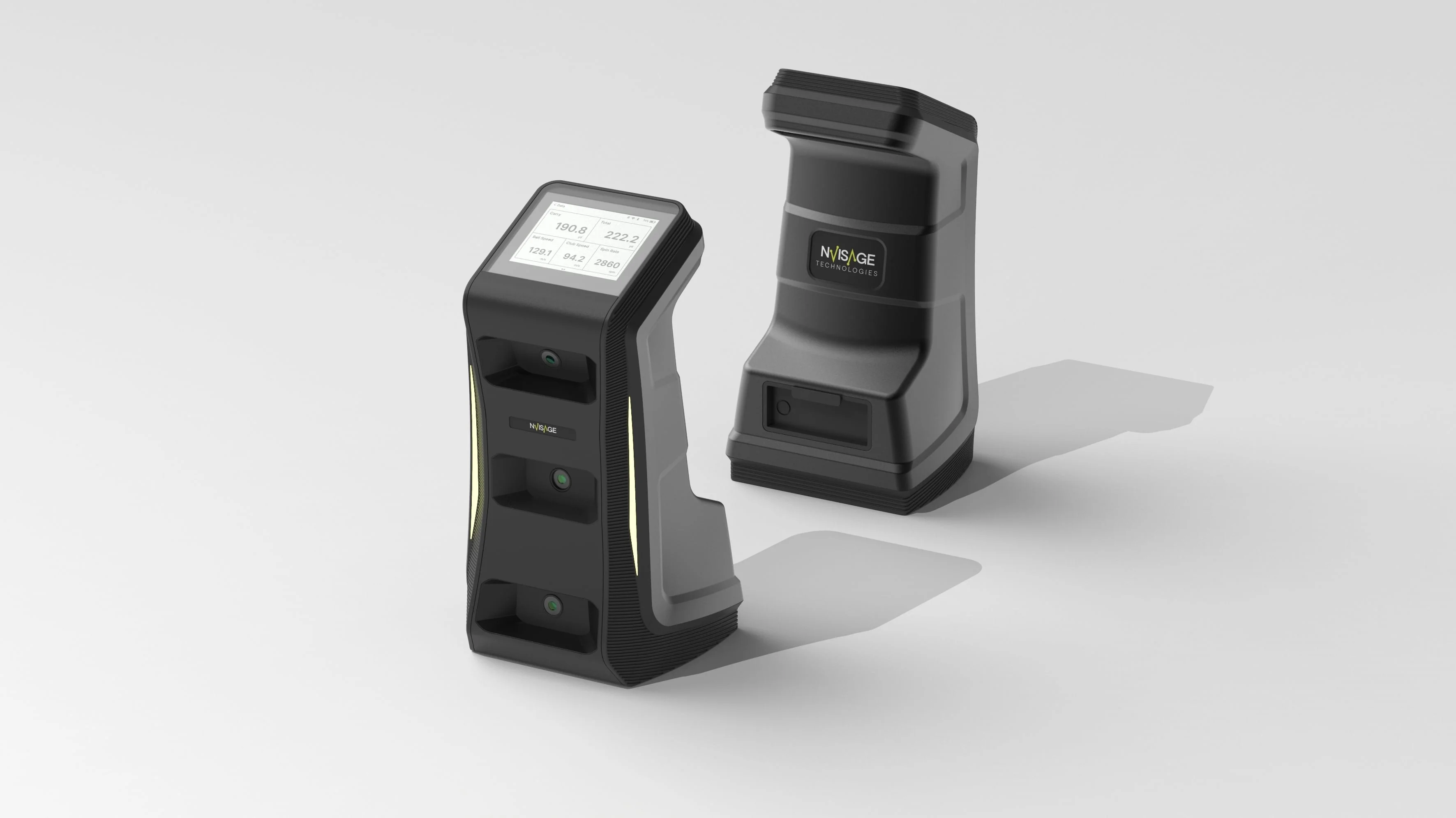
Testing the NVISAGE NEO-E Accuracy Outdoors
Testing for accuracy, the Carl's Place team compared real-life data at the driving range with numbers from the NVISAGE NEO-E launch monitor.
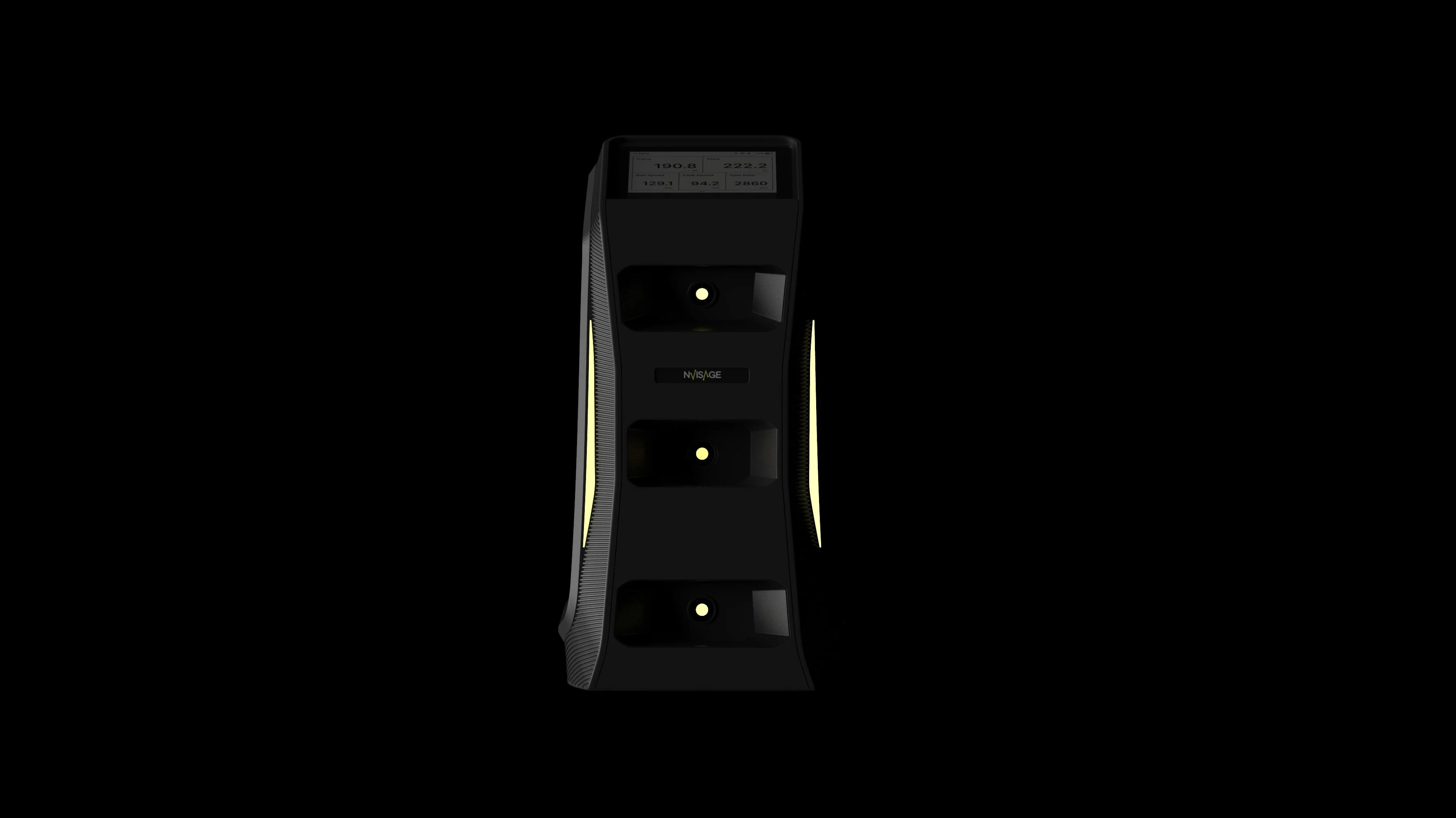
NVISAGE NEO-E: A Compact High Performance Launch Monitor
If you've been shopping for a launch monitor to level up your golf practice, you’ve probably heard of NVISAGE’s N1. The new NEO-E adds something you don’t always see: serious durability, long battery life, and full data capture all in a compact, weather-resistant package.
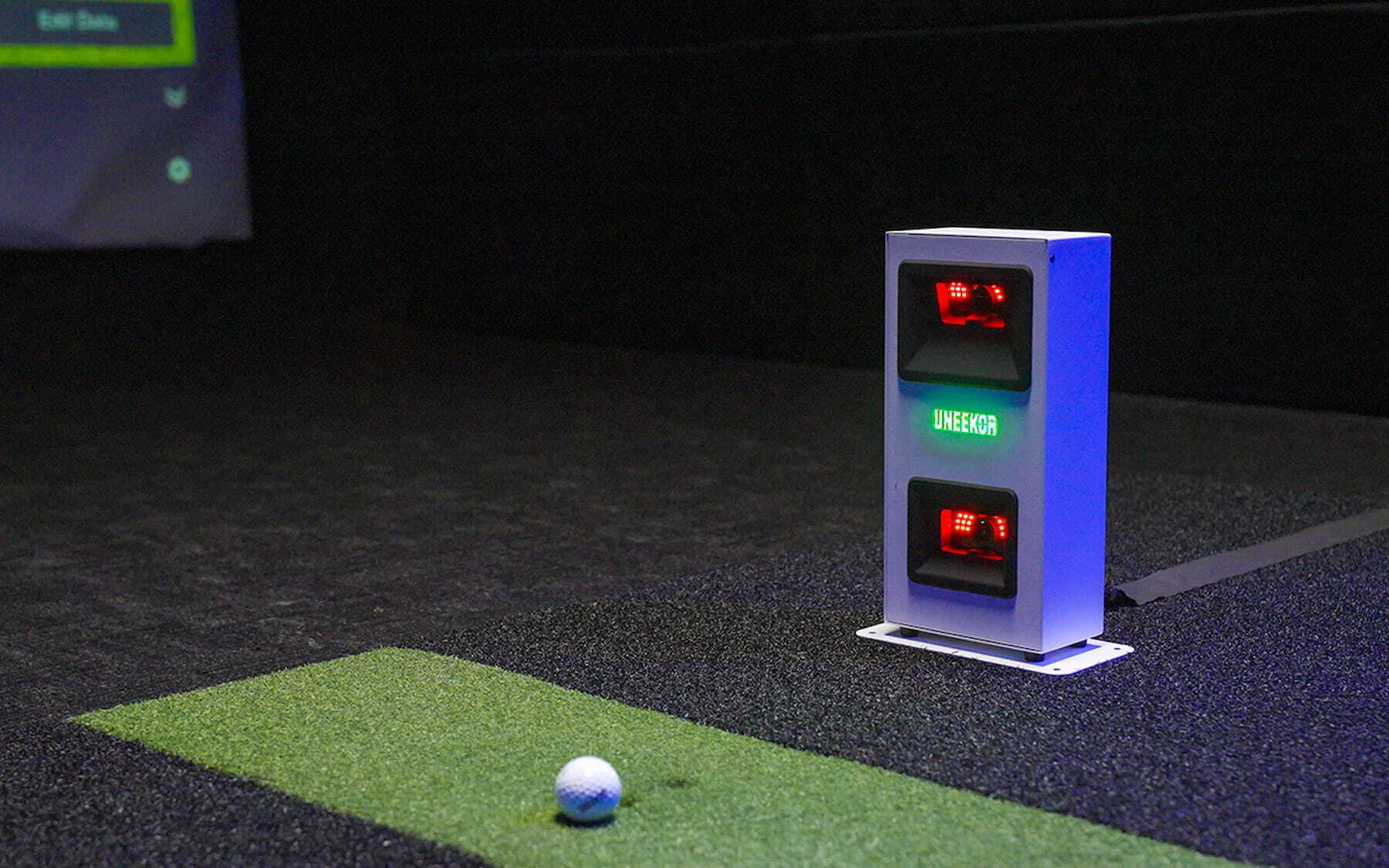
Uneekor EYE MINI CORE: Zero Delay, Maximum Play
The Uneekor EYE MINI CORE is a launch monitor designed to deliver fast, accurate ball data with near-instant feedback. It focuses on essential ball flight metrics, offering a simple and reliable option for golfers who value ease of use in their simulator setup.