Let’s talk about the part of your golf simulator nobody gets excited about at first. The floor.
Flooring and turf isn't the flashy part of a golf simulator. It doesn't track spin. It doesn't light up. But it affects how your room sounds, how your ball rolls, and how finished everything looks and feels.
There are a lot of golf simulator flooring ideas out there. Some are built for putting practice. Some are built to look like a fairway. Some are just trying to cover concrete. This guide breaks down the most common golf simulator flooring options and when each one makes sense.
Golf Simulator Flooring At a Glance
- Subflooring adds comfort, helps reduce bounce and noise, and lets you recess a hitting mat/strip for a clean, flush look.
- Putting turf is for true roll + short game practice (best when you care about putting feel).
- High pile “fairway” turf is for a course-like look and general flooring around the hitting area (better for looks and ball control than true putting practice).

Golf Simulator Sub-Flooring Options
Subflooring isn’t required, but it’s one of the most underrated upgrades for comfort and “finished room” vibes. A good subfloor can add cushion underfoot, reduce noise, calm down bounce on hard surfaces, and make it easier to create a flush, built-in look by recessing your hitting mat or strip.
What subflooring helps with
- Comfort: more forgiving on feet and joints during longer sessions.
- Noise: less “thud” when the ball drops and rolls around.
- Ball control: fewer awkward bounces on hard floors.
- Fit & finish: makes it easier to inset a mat/strip so everything sits flush.
1. Golf Simulator Puzzle Piece Gym Mats

Building a subfloor out of puzzle piece foam tiles is the easiest way to add cushioning and create a more finished feel. It’s light, fast to install, and usually doesn’t require tools or a woodworking hobby.
- Pros: Affordable, quick install, comfortable underfoot, and it’s usually easy to cut out space to recess a hitting strip or mat. The extra cushion can also help reduce bounce and noise on hard floors.
- Cons: Some foam tiles can shift over time in high-traffic areas, and seams may be noticeable depending on tile quality and how your turf is installed over them.
2. Building a Golf Simulator Subfloor with Wood
If you want the most permanent, custom, “built like it belongs here” solution, a wood subfloor is the move. It takes more effort, but it’s also the easiest path to a truly flush inset hitting mat/strip and a clean, level surface across the entire hitting bay.
- Pros: Stable, durable, customizable, and great for a recessed mat/strip. It can also help with sound control and overall room polish.
- Cons: More time, more tools, more materials, and more planning than foam tiles.
How to Install a Wood Subfloor Using 2x4s

Materials needed
- 2x4 or 2x8 lumber
- ¾ inch plywood sheets
- Screws or nails
- Power drill
- Saw (circular or miter)
- Tape measure
- Level
- Optional: moisture barrier, construction adhesive, utility knife
Steps
- Measure and plan: Layout a 2x4 grid, typically spaced 16 inches apart.
- Prepare the area: Clear the room; add a moisture barrier if needed.
- Build the frame: Cut and secure your 2x4s in a grid.
- Install plywood: Cut sheets to fit and secure them to the grid.
- Inset a hitting mat (optional): Cut an opening so the mat/strip sits flush with the surrounding surface.
- Finish: Trim edges, then install turf/flooring over the top as needed.

 Golf Simulator Turf: Finding the Right Fit
“Golf simulator turf” can mean a few different things: putting turf, landing turf, artificial grass, indoor putting green, or general simulator flooring. The right pick depends on what you want the turf to do: roll true for putting, look like a fairway, quiet the room down, or control bounce and ball movement.
- Putting turf is about roll quality and speed consistency.
- High pile turf is about looks, comfort, and keeping the ball from bouncing around on hard floors.
- Most setups use a hitting mat/strip for full swings and turf as the “room floor” around it.
Golf Simulator Putting Turf
- Pros: Best choice if putting practice matters. Quality putting turf will often publish a stimpmeter speed rating (green speed) so you know what you’re training on. It can also be a legit short-game practice surface in the right space.
- Cons: Putting turf isn’t designed to replace a hitting mat for full swings. For repeated full shots, you still want a proper hitting mat/strip to protect your joints and equipment.
Basics of Stimpmeter Speeds
If you’ve been diving into the world of indoor golf flooring, you’ve likely seen the word "Stimp" thrown around like a badge of honor. But what does it actually mean for your sim setup?
At its simplest, a Stimpmeter is just a fancy 36" aluminum ramp. You release a ball from the notch at the top, and however many feet it rolls on a flat surface is your "Stimp" rating. If it rolls 10 feet, you’re looking at a Stimp 10.
The Typical Speed Breakdown
When selecting turf for an indoor simulator, the Stimp rating determines the realism of your short game:
-
Stimp 8 - 10: This is your standard public course or local muni. It’s reliable, predictable, and frankly, what most of us actually play on a Saturday morning.
-
Stimp 10 - 11: High-end simulator turf that can match elite course conditions.
-
Stimp 12 - 13+: This is lightning fast. While it sounds cool to say your simulator is Tour-speed, keep in mind that putting on a 13-stimp surface in a small room can feel like trying to stop a marble on a sheet of glass.
How Much Does Stimp Matter for Your Simulator Setup?
Here is the secret: Don't get obsessed with chasing a specific number. While it’s great to have a "fast" green, the most important thing for a simulator setup is consistency and calibration.
-
Match Your Software: Whether your floor is an 8 or an 11, the "magic" happens when you sync it with your software. Programs like GSPro or E6 let you adjust the in-game green speed. If your physical turf is a 10, set the software to a 10. Now, your brain and your eyes are finally on the same page.
-
The "Break-In" Factor: Don't panic if your brand-new turf feels a bit slow out of the box. Synthetic fibers need time to "relax" and settle. After a few months of walking on it and hitting balls, that Stimp rating will naturally climb by a point or two.
-
Density Over Speed: Look for turf with a high-density pile. A floor that rolls a consistent 9 is infinitely better for your game than a floor that claims to be a 12 but has "wobbles" because the grass fibers are cheap.
At the end of the day, you want your indoor practice to translate to the real world. Pick a turf that feels like the courses you actually play.
Putting turf gets more useful when you treat it like an actual practice tool, not just green carpet. A few practical ways to make it feel more like golf:
- Mix distances: Practice 3-6 foot putts and longer lag putts (diagonal putts across your turf are great if you have the room).
- Make it harder sometimes: Some turf setups include smaller-hole inserts so you can train center strikes.
- Add subtle break: With padding or minor underlayment changes, you can create light slope/break for more realistic putting practice.
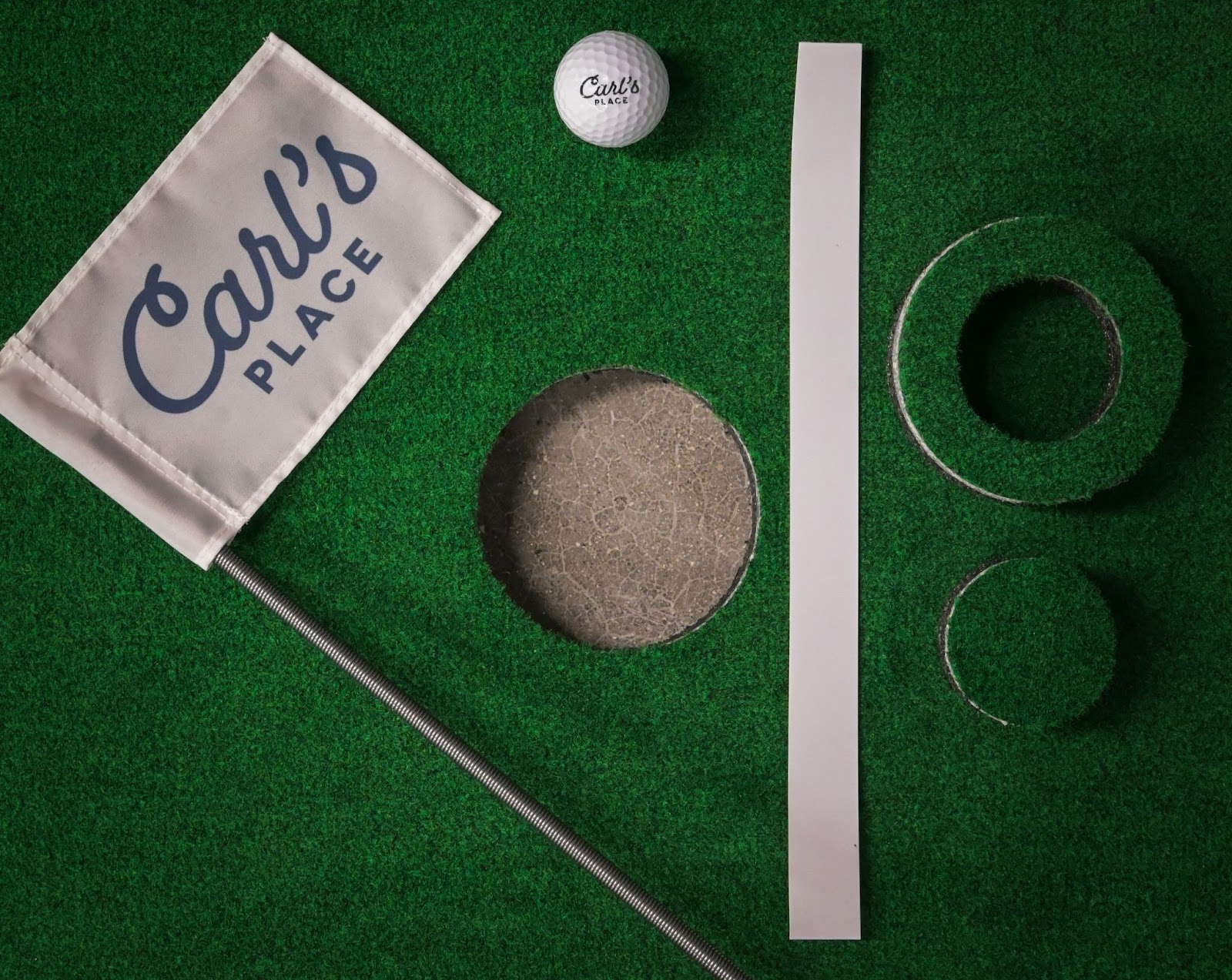
Golf Simulator High Pile Turf
- Pros: Great for a more “course-like” look and feel in the room. It’s commonly used around the hitting area as general flooring, and it helps keep the ball from bouncing like it would on concrete.
- Cons: It’s not ideal for true putting practice (roll won’t match a putting green), and depending on turf type, it may require brushing or light maintenance to keep it looking consistent.
Ball Roll, Bounce, and Noise: What Turf Actually Changes
With a properly tensioned impact screen, most shots should drop down and roll out back to the tee area. Flooring is what decides whether that roll-out is controlled… or whether your ball bounces all around like it has places to be.
- Quieter sessions: Turf (especially with padding underneath) helps soften the sound of the ball dropping and rolling around the bay.
- More predictable roll-out: Turf can reduce random bounce on hard floors and make ball movement more consistent after impact.
- Less “ball chasing”: With the right turf + layout, the ball is more likely to stay in your hitting area instead of ping-ponging around the room.
Ball Return Ramps
Some turf setups include (or work well with) a ball return ramp. This doesn’t mean your screen is launching balls back at you, it's just a convenience feature that helps guide the ball back toward your hitting area after it drops.
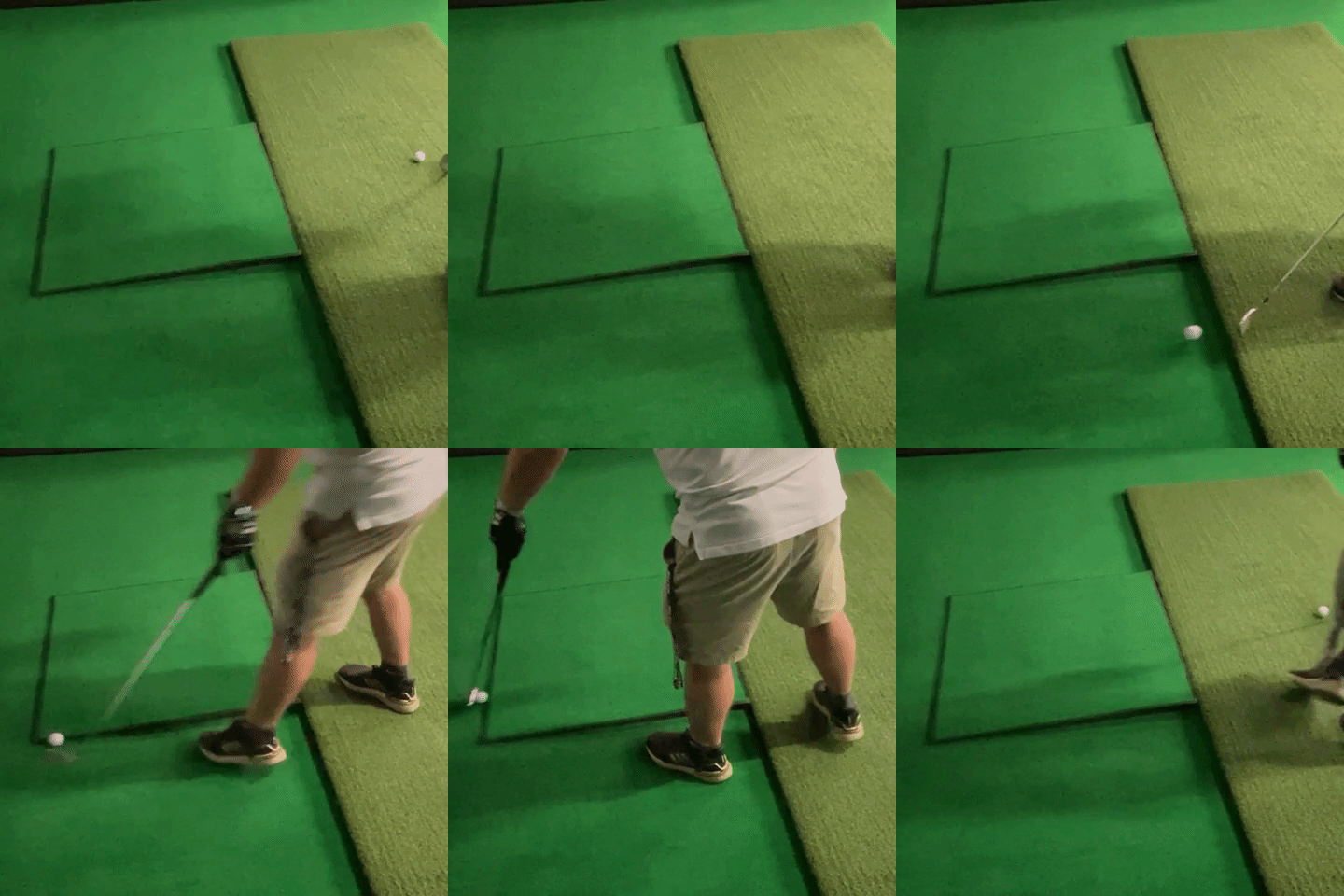
Installation Tips for Your Golf Simulator Turf
Once you’ve chosen your turf, install it cleanly and it will look like it belongs there. Some helpful tips:
- Roll it out and let it relax: Let turf acclimate to room temperature so it lays flatter.
- Position it first, then cut: Align turf to the room and hitting area before trimming edges.
- Secure edges and seams: Use carpet tape or appropriate adhesive to prevent shifting over time.
- Trim clean: A sharp utility knife makes a huge difference in final appearance.
Do I Need Golf Simulator Turf?
Answer: No… but you might want it.
-
If you just want to hit balls: Turf is optional.
-
If you want a finished-looking golf room: Turf is one of the biggest visual upgrades you can make.
-
If you want to practice putting or chipping: Putting turf makes a real difference.
- If your room is loud or echo-y: Turf + padding helps reduce impact noise and ball drop sound.
- If you’re on concrete: Turf helps reduce awkward bounce and makes the space feel more “golf” and less “warehouse.”
The Hitting Surface: What You Actually Swing On
All the flooring decisions matter. But the hitting surface is where every swing actually happens.
Why You Shouldn't Hit Off Regular Turf
High pile turf and putting turf are not built for repeated full swings. They don't have the construction needed to absorb impact properly. Over time, that can lead to sore joints, inconsistent strike feedback, and premature wear.
For taking full swings, you want a comfortable, high-performing hitting mat or strip.
Getting the Right Golf Mat: How Soft is Too Soft
A proper golf simulator hitting mat or hitting strip is designed to do three things well: absorb force, simulate realistic interaction with the club, and hold up to thousands of shots.
A good golf simulator hitting mat lets the club move through impact in a natural way instead of smacking into something that feels like painted concrete. That difference shows up fast, especially if you practice more than once in a while. Mats that are too firm can be rough on wrists and elbows over time. You might not notice it on day one. You will after a few weeks of regular swings.
But, a mat that is too soft creates a different set of problems. An overly soft golf simulator hitting mat can:
- Let the club slide under the ball on slightly fat shots. The ball launches fine, the numbers look decent, and you walk away thinking the strike was solid. On real turf, that same swing might come up short. Over time, that masks low point control issues instead of helping you fix them.
- Produce inconsistent launch and spin data because the club interacts with the surface too much before impact.
- Develop depressions or uneven wear that subtly change ball position and strike.
- Feel unstable under your stance, especially for faster swings.
The goal is not the hardest mat. It is not the softest mat either. It is the right balance. You want enough structure to deliver honest feedback and consistent data. You also want enough forgiveness to protect your joints and make regular practice sustainable.
The best golf simulator hitting mat balances realistic turf interaction with joint protection and consistent launch data. We've tested a lot of golf mats over the years, and you should take a look at Carl's HotShot Golf Mat lineup, the right blend of softness and performance.
Full Mat vs Hitting Strip
Most indoor golf setups use one of two approaches:
- Full hitting mat: Typically between 4'x5' and 6'x10', you stand and hit on the same large surface.
- Hitting strip inset into turf: A narrower strike area recessed into the floor for a built in look.
Recessing the hitting area so it sits flush with the surrounding turf is one of the biggest upgrades you can make to the overall feel of the room. No awkward lip. No stepping up and down. Just a smooth transition across the entire bay.
If you want a deeper breakdown of materials, feel, and durability differences, check out our full guide to golf simulator hitting mats.
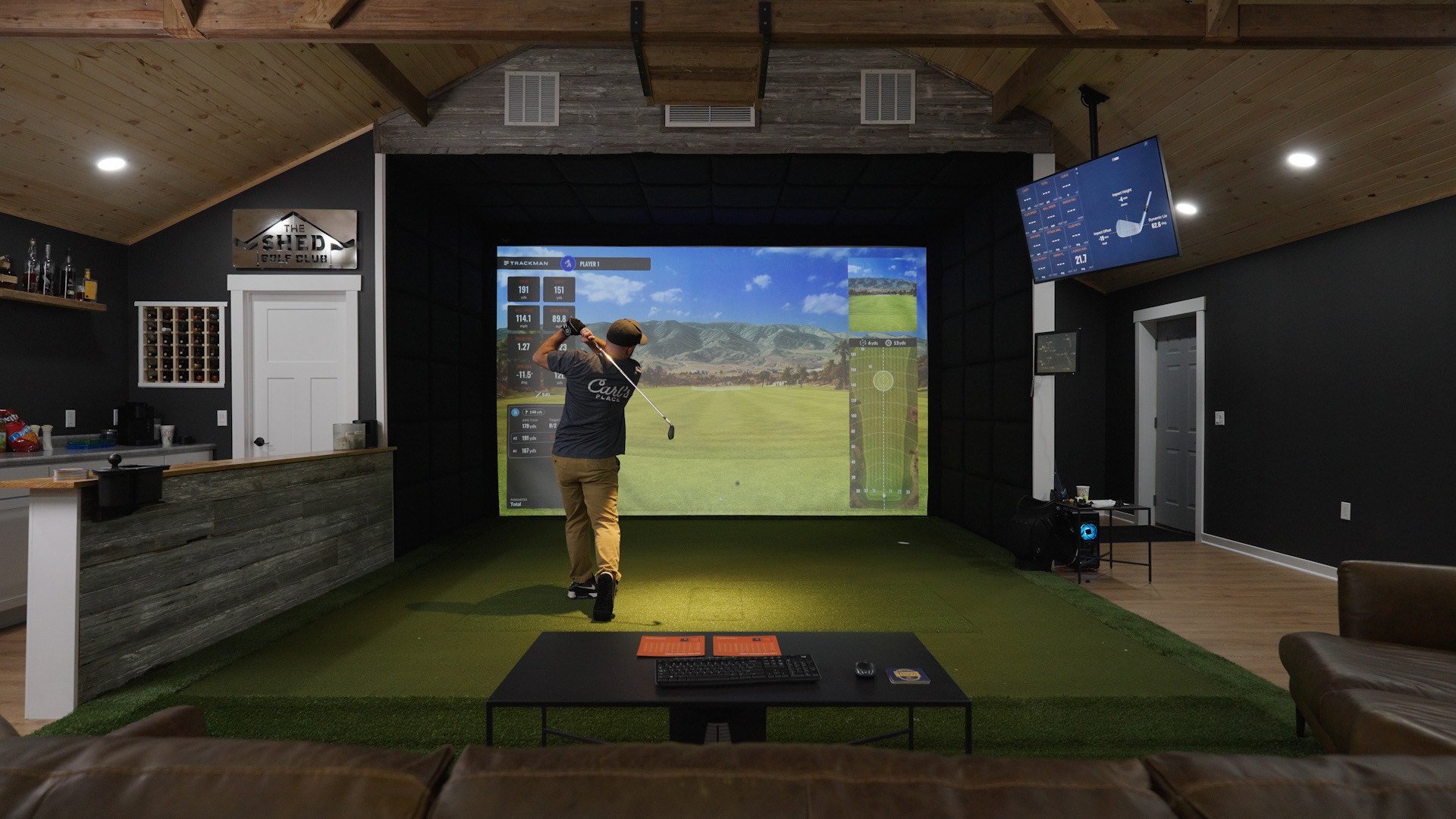
The Best Golf Simulator Flooring Setup
If you want a simple, proven path that works for most indoor golf spaces, this is the most common “best of all worlds” flooring approach:
- Subfloor (user Carl's foam floor tiles across the area), make sure the tiles are wide enough where the entire golf enclosure can sit on the subfloor
- Recessed Hotshot hitting mat or hitting strip so it sits flush with the floor (if you can't recess the hitting mat, consider the ball return ramp if you want less bending to return the golf ball to the hitting area)
- Turf across the bay (putting turf if you care about roll, high pile turf if you care more about the course look)

Golf Simulator Flooring FAQ
What is the best flooring for a golf simulator?
The best golf simulator flooring setup for most home golfers is a cushioned subfloor, a recessed hitting mat or strip, and turf across the hitting bay. Foam floor tiles are common for garages and basements because they add comfort and reduce noise. A wood subfloor is more permanent and allows for a perfectly flush inset mat. The right choice depends on how permanent you want the build and how much traffic the room will see.
What is the best turf for a golf simulator?
There are dozens of golf simulator flooring options out there. If you want a quick shortlist of turf options people commonly use in sim rooms, here are a few routes:
- Perfectly sized to your Carl's DIY Enclosure: Big Moss Turf at Carl's Place
- Realistic grass golf simulator turf: TrafficMaster Fescue Multipurpose Artificial Grass at Home Depot
- True to color golf simulator turf: SYNLawn Forest Artificial Grass at Lowes
Can you install a golf simulator directly on concrete?
Yes, since you'll still hit off of a cushioned hitting mat. However, it isn't our favorite setup long term. Concrete is hard, loud, and causes unpredictable bounce after the ball drops from the impact screen. Adding foam tiles or a built subfloor helps reduce noise, improve comfort underfoot, and control ball roll.
Do I need foam under my golf simulator turf?
You don't NEED to, but foam floor tiles are a common solution because they are easy to install, improve comfort, reduce bounce and noise, and help create a more finished feel.
Can you install golf simulator turf over carpet?
Yes, but results depend on how flat and stable the carpet is. Thick or plush carpet can create soft spots that affect putting roll and hitting mat stability. If installing over carpet, make sure the surface is level and consider securing the turf edges carefully to prevent shifting.
Do I need a moisture barrier in a basement golf simulator?
If your simulator is in a basement or a garage, especially on concrete, a moisture barrier can be a smart precaution. Even if you do not see visible moisture, concrete can transmit humidity. A simple vapor barrier under a wood subfloor helps protect lumber and turf materials long term.
How thick should a golf simulator subfloor be?
Foam tiles commonly range from about 1/2" to 1" thick. A wood subfloor typically uses 2x4 framing with 3/4" plywood on top. When planning your flooring height, account for the thickness of your hitting mat so it can sit flush with the surrounding turf.
How thick is golf simulator turf?
High pile turf used for general simulator flooring often ranges from about 1/2" to over 1" in pile height. Putting turf is usually lower and designed for smoother roll. Always consider total stack height when pairing turf with foam tiles or a recessed hitting mat.
How long does golf simulator turf last?
Durability depends on traffic, turf quality, and installation. In home simulators used a few times per week, quality turf can last several years. High traffic commercial simulators may require more frequent replacement. Proper installation and edge securing help extend lifespan.
Will foam tiles compress over time?
Lower density foam tiles can compress slightly in high traffic areas over time. Higher density tiles hold up better. For commercial setups or very active home simulators, denser foam or a wood subfloor provides longer term stability.
Can you chip off golf simulator turf?
Chipping and full swings should always be taken from a proper hitting mat or hitting strip designed to protect your wrists and clubs.
What turf speed should I use for indoor putting?
Putting turf often publishes a stimpmeter rating to indicate speed. Many indoor putting surfaces fall in the range of fast practice greens, but a smooth, flat installation matters more than chasing a specific number.
How do you maintain golf simulator turf?
Maintenance is simple. Vacuum periodically to remove dust and debris. Brush high pile turf occasionally to keep fibers upright. Ensure seams stay flat and edges remain secured. For putting turf, keep the surface clean to preserve consistent roll.
Conclusion
The right flooring setup can elevate your simulator from “it works” to a room you actually want to spend time in. Subflooring helps with comfort and finish. Turf helps with looks, noise, ball control, and (if you choose putting turf) real short game practice. Start with what matters most to you, then build from there.
Search articles by tag:
Golf Simulators Hitting MatsRelated Posts
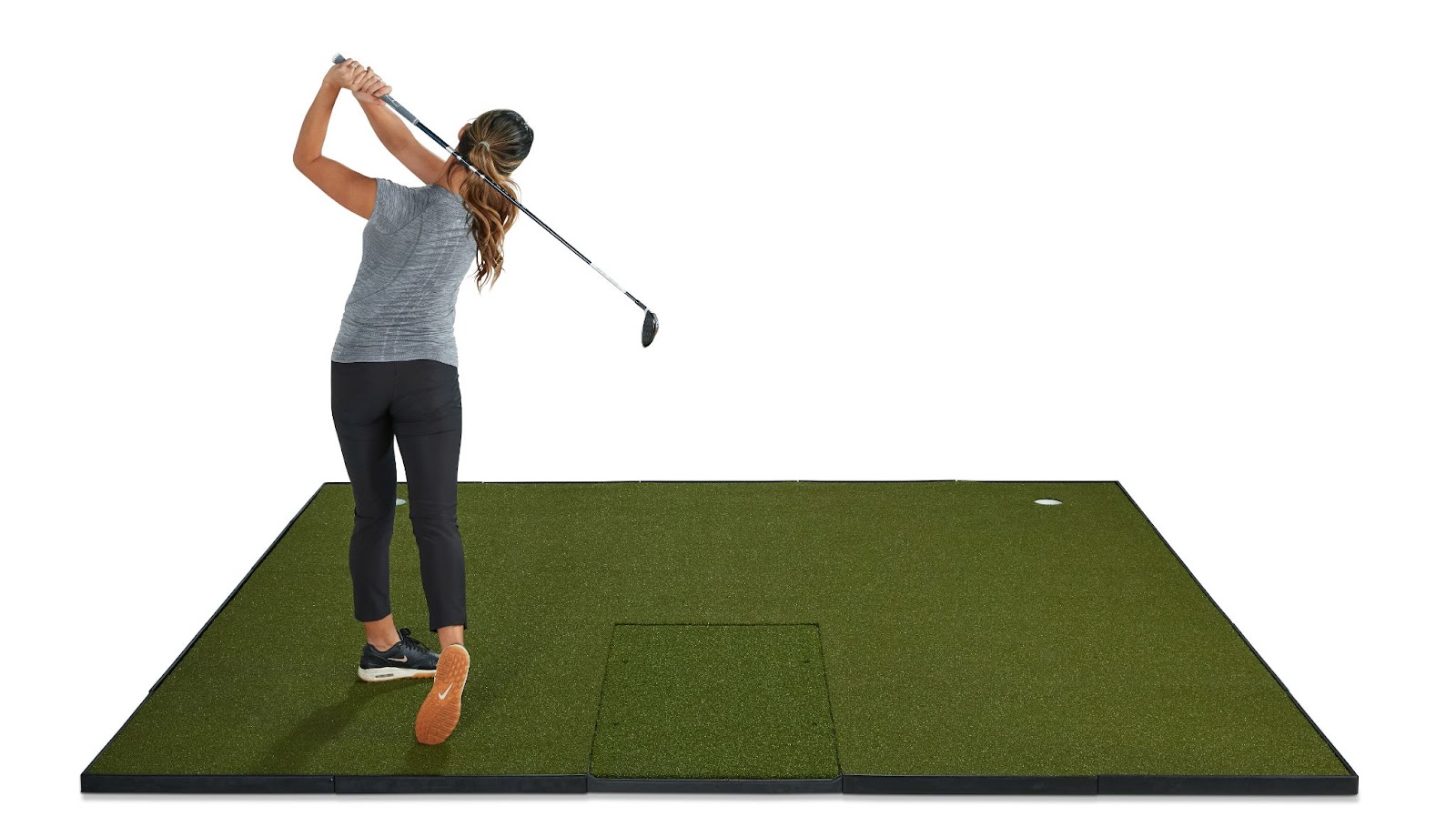
Hitting Mats
Which Fiberbuilt golf mat is right for you?
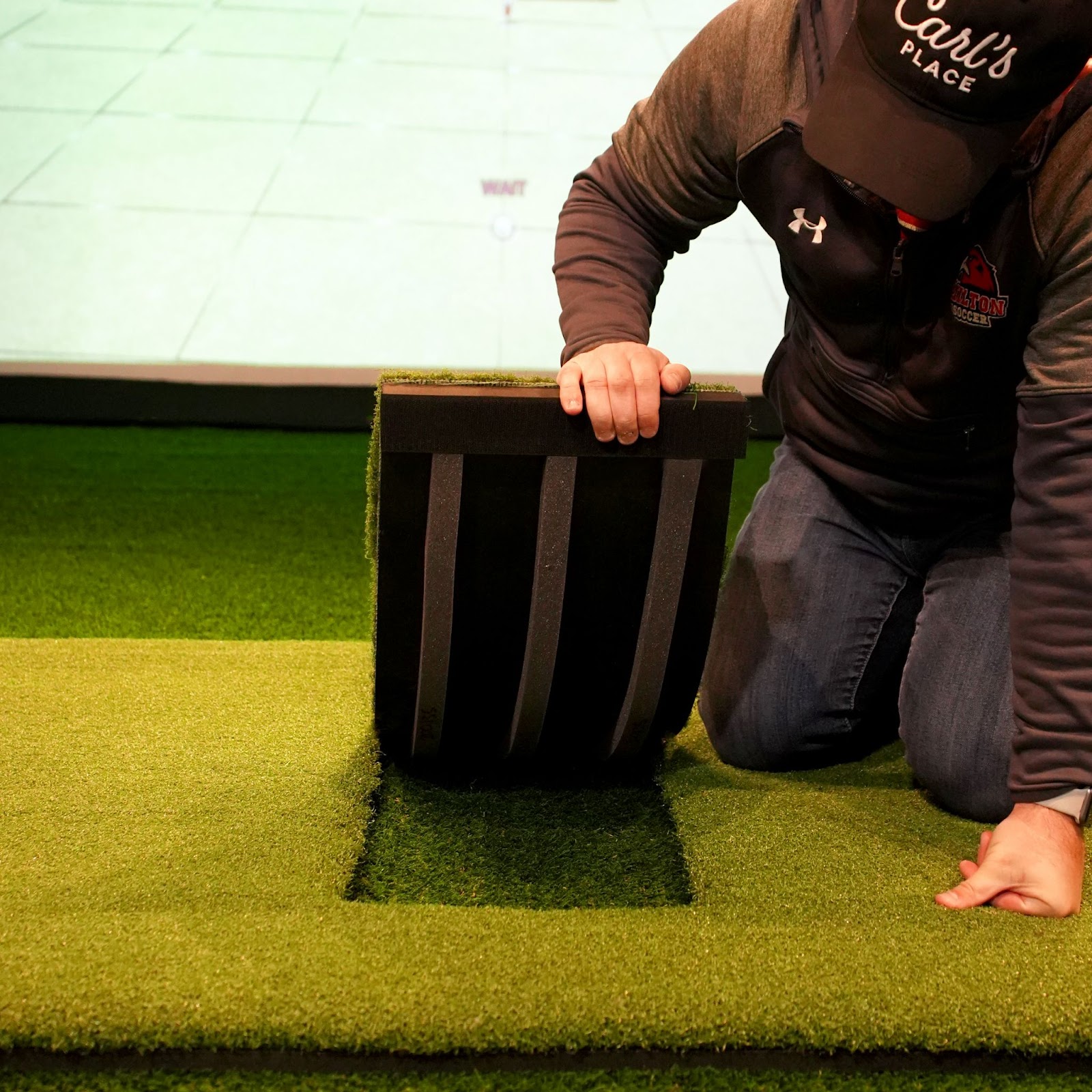
How-To, Golf Simulators, Hitting Mats
How To Make Or Repair A Golf Hitting Mat
Golf Simulators, Golf Enclosures
Built-In Golf Simulators | Transform Your Room